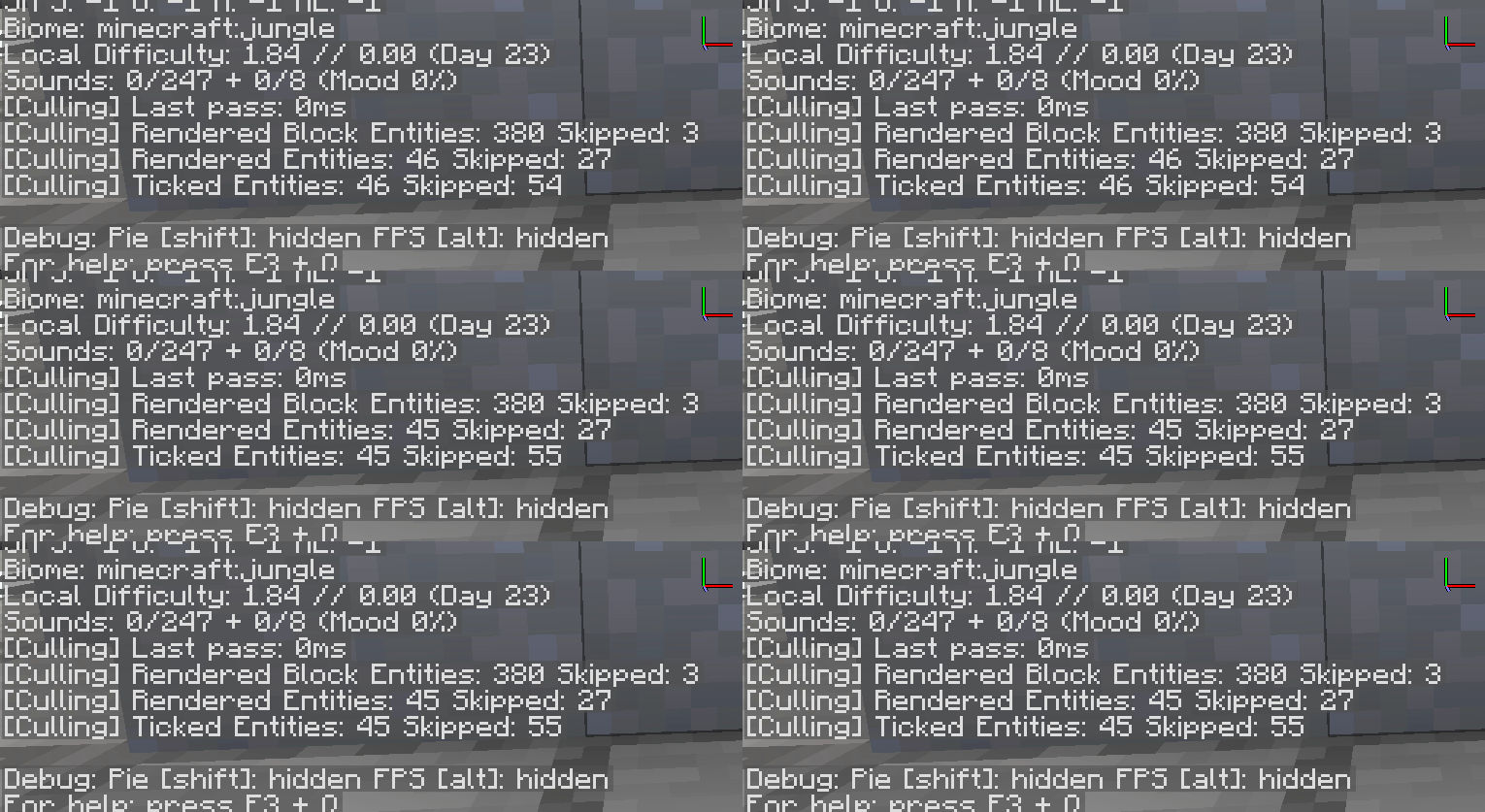
Practical settings, whitelists and troubleshooting ideas for reducing rendering overhead without visual surprises. This guide focuses on practical checks you can apply without assuming that every Minecraft version or loader behaves the same way.
Measure before changing settings
Choose a repeatable test location and note frame rate, frame-time behavior and visible issues before changing culling settings.
Use whitelists instead of disabling everything
If one modded object disappears incorrectly, whitelist that entity or block entity first. This preserves optimization elsewhere.
Watch for CPU and GPU balance
Entity culling may help most when hidden rendering contributes meaningfully to the GPU or render-thread workload. If another component is the real bottleneck, gains can be smaller.
Change one variable at a time
Avoid changing render distance, shaders, culling settings and several performance mods simultaneously. One-variable testing produces much more useful results.
Recommended next step
Verify your exact Minecraft version and loader before installing anything. If you are troubleshooting, change one variable at a time and keep a backup of the working instance.